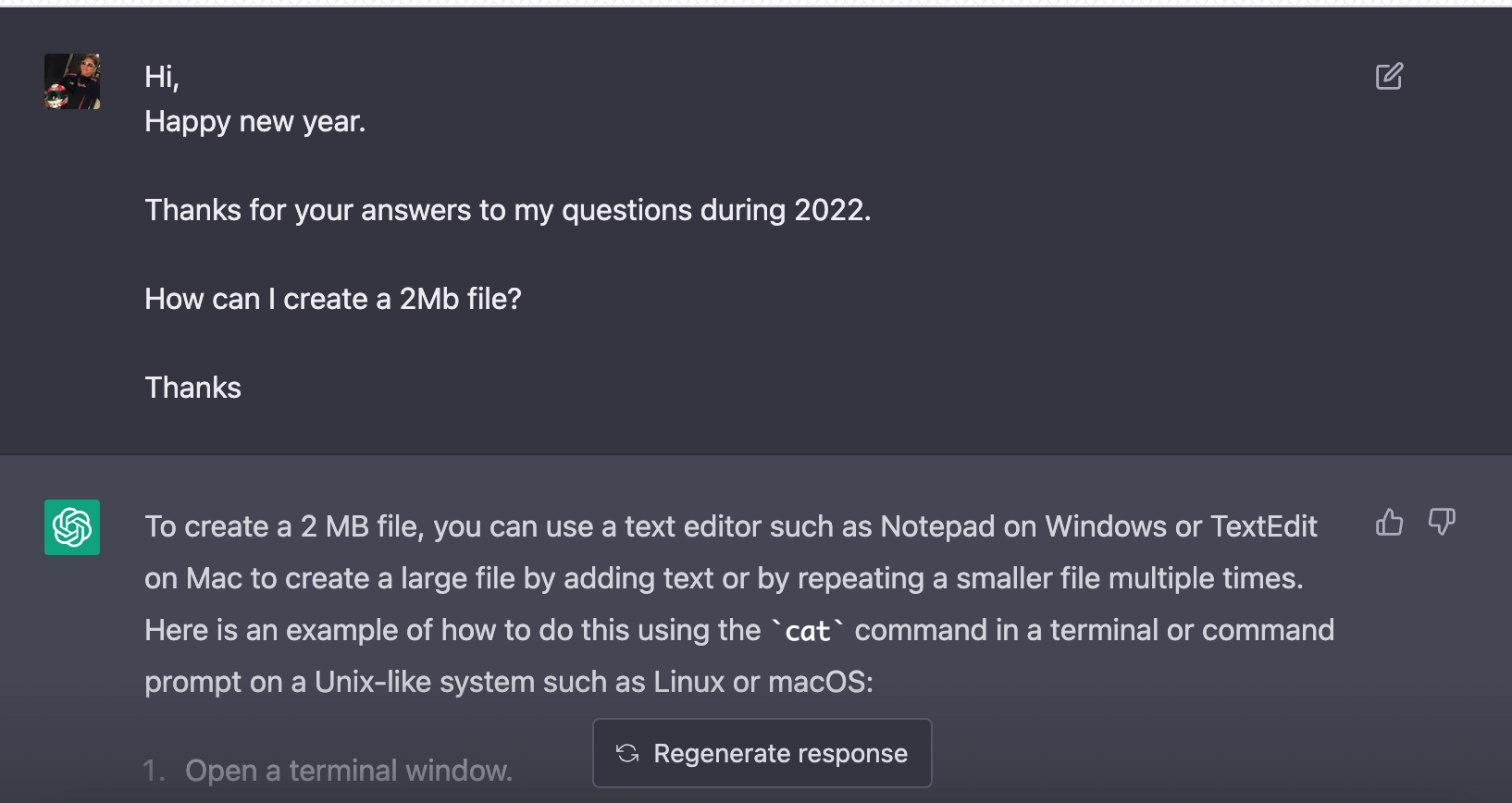
Here is the answer by ChatGPT after I copied-and-pasted the original question to ChatGPT:
To create a 2 MB file, you can use a text editor such as Notepad on Windows or TextEdit on Mac to create a large file by adding text or by repeating a smaller file multiple times. Here is an example of how to do this using the
catcommand in a terminal or command prompt on a Unix-like system such as Linux or macOS:
- Open a terminal window.
- Use the
ddcommand to create a 1 MB file filled with random data:dd if=/dev/urandom of=1MB.txt bs=1M count=1- Use the
catcommand to create a new file by concatenating the 1 MB file twice:cat 1MB.txt 1MB.txt > 2MB.txtThis will create a new file called
2MB.txtthat is 2 MB in size. Note that the actual content of the file will be random data.You can also use a file compression tool to create a 2 MB file by compressing a larger file. For example, you could use the
gzipcommand to compress a text file and create a smaller.gzfile.I hope this helps! Let me know if you have any other questions.